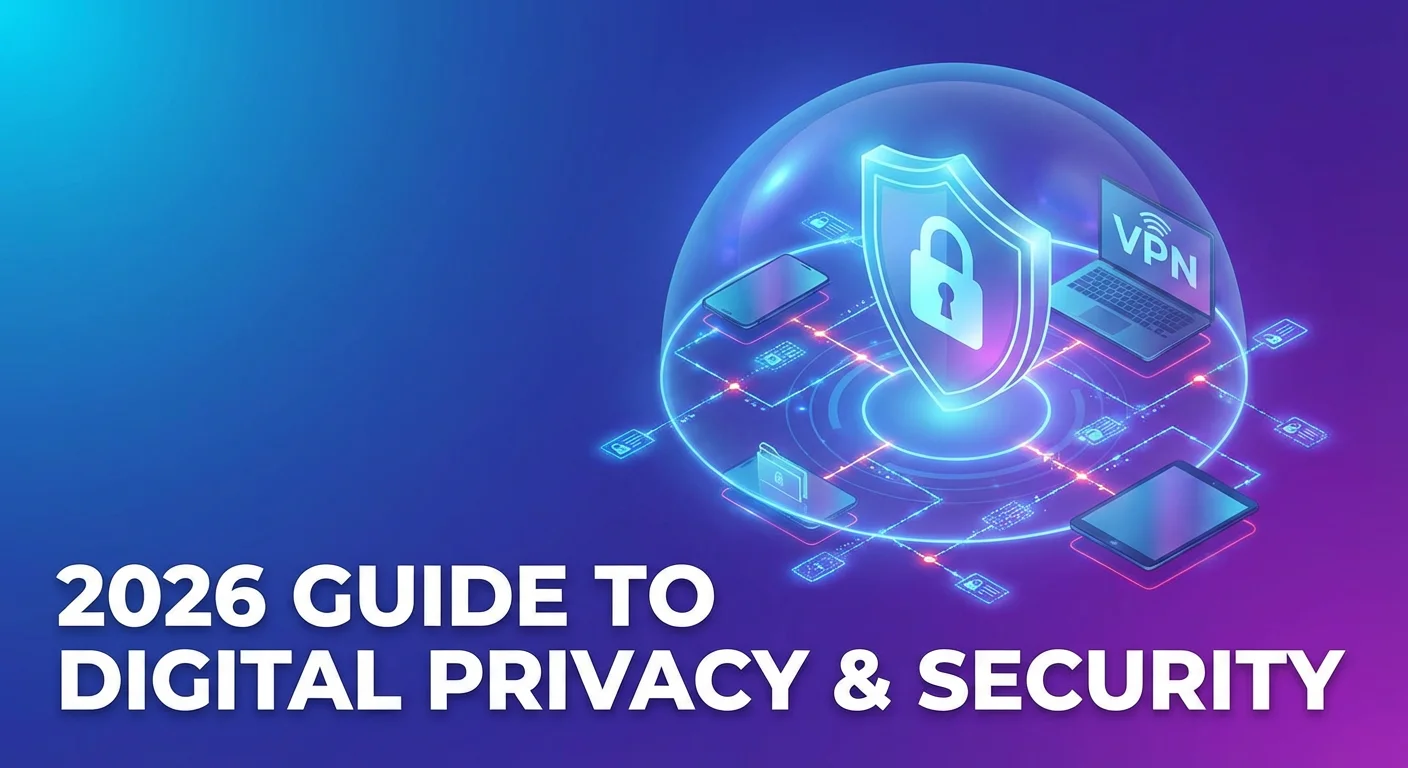
In the digital landscape of 2026, where artificial intelligence (AI) has revolutionized both convenience and surveillance, the question “what is a VPN?” is more relevant than ever. Your internet connection is no longer just a window to the world; it is a two-way mirror where your every move is tracked, analyzed, and often sold.
A Virtual Private Network (VPN) is your primary defense against this modern “surveillance economy.” Whether you are a beginner looking for secure browsing, a traveler trying to unblock Netflix, or a remote worker protecting corporate data, this 2000-word guide will explain everything you need to know about VPN technology in 2026.
1. Virtual Private Network Definition: The Modern Blueprint
A virtual private network (VPN) is a service that establishes a secure, encrypted “tunnel” between your device (smartphone, laptop, or smart TV) and a remote server operated by a VPN provider.

To understand the VPN meaning explained for today’s world, consider three key components:
- Virtual: There are no physical wires connecting you to the remote server; the connection is created digitally over existing internet infrastructure.
- Private: The encryption ensures that no one—not your ISP, not a hacker, and not a government agency—can see your data or browsing history.
- Network: You are joining a network of servers that effectively “acts” as your gateway to the internet, hiding your true origin.
2. How a VPN Works: The Step-by-Step Process
When you click “Connect” on a VPN app for beginners, a complex series of events occurs in milliseconds:
- Request Initiation: Your device sends a request to connect to a specific VPN server location.
- Handshake & Authentication: The device and server verify each other’s identity using digital certificates.
- Tunneling and Encryption: The VPN creates a secure path. Using VPN encryption technology (such as AES-256), your data is scrambled into unreadable code before it even leaves your device.+1
- IP Address Masking: The VPN server replaces your local IP address with a new one from its own pool. This is known as IP address masking or server location spoofing.+1
- Decryption and Delivery: The server sends your request to the website or service. To the website, it looks like the request came from the VPN server, not your home.
3. VPN Encryption Protocols: The Engines of 2026
Not all VPNs are built the same. The “protocol” is the set of rules that determines how the data is moved. In 2026, the industry has consolidated around three primary VPN encryption protocols:
WireGuard®: The Speed King
WireGuard is the gold standard in 2026. With only 4,000 lines of code (compared to 600,000 in older protocols), it is incredibly fast and easy to audit for security flaws.+1
- Best for: VPN for gaming latency, 4K streaming, and mobile battery life.
- Key Advantage: It establishes connections almost instantly.
OpenVPN: The Versatile Veteran
OpenVPN remains the most flexible protocol. Because it can run on different “ports,” it is excellent for bypassing censorship in countries with heavy internet restrictions.
- Best for: Stealth, security-focused users, and older hardware.
IKEv2/IPsec: The Mobile Specialist
This protocol is known for its “MOBIKE” feature, which allows it to stay connected even when you switch from a WiFi network to a 5G cellular connection.
- Best for: VPN for iPhone and Android users who are constantly on the move.
4. VPN vs. Proxy: Understanding the Critical Difference
Many people use the terms interchangeably, but a VPN vs proxy difference is significant:
- Proxy: Only masks your IP address for a specific app (like a web browser). It does not encrypt your data. It’s like wearing a mask but leaving your diary open for anyone to read.
- VPN: Provides IP address masking AND full encryption for every single bit of data leaving your device. It’s like wearing a mask AND putting your diary in an indestructible, locked safe.
5. Why Use a VPN? Core Advantages and Benefits
The advantages and benefits of a VPN have shifted from “niche” to “necessity” due to three major factors in 2026:
A. Internet Privacy Protection Tools
In many countries, ISPs are legally allowed to sell your browsing data to advertisers. A VPN acts as a VPN for online privacy, ensuring your ISP only sees that you are connected to a VPN, but not which websites you visit or what you do on them.
B. VPN for Public WiFi Security
Free WiFi in cafes, hotels, and airports is a playground for hackers. They use “Man-in-the-Middle” attacks to intercept your passwords and credit card details. A VPN provides secure browsing by encrypting that data, making it useless to anyone who tries to steal it.+2
C. VPN for Streaming and Geo-Restricted Content
Streaming platforms like Netflix, Hulu, and Disney+ offer different content libraries based on your country. By using server location spoofing, you can unblock Netflix libraries from the US, UK, or Japan, effectively getting 5x more content for the same subscription price.+1
D. Bypassing Censorship and Internet Freedom
For those living in or traveling to countries with strict VPN countries restrictions, a VPN is a lifeline for VPN internet freedom. It allows access to blocked news sites, social media, and communication tools.
6. Best VPN Services 2026: The Top Picks
The market is competitive, but as of 2026, these trusted VPN providers lead the industry based on independent VPN audits security and performance:
| Provider | Best For | Key Feature |
| NordVPN | Security & Privacy | Post-quantum encryption & Threat Protection Pro. |
| Surfshark | Budget & Families | Unlimited simultaneous VPN connections. |
| Proton VPN | Anonymity Purists | Based in Switzerland; open-source and audited. |
| ExpressVPN | High Speed | Lightway protocol and massive server network. |
| Mullvad | Privacy Advocates | No email required to sign up; flat-rate pricing. |
Export to Sheets
7. Strategic Features to Look For
When choosing a provider, don’t just look at the price. Look for these essential VPN security features:
- Kill Switch: If your VPN connection drops for even a second, a kill switch immediately cuts your internet to prevent data leaks.
- Split Tunneling VPN Feature: This allows you to route some apps (like your streaming app) through the VPN while letting others (like your banking app) use your local connection.
- VPN No Logs Policy: This is a legal promise that the company does not record your activity. In 2026, the best providers have “audited” policies, meaning a third-party firm like Deloitte has verified their claims.
- Double VPN (Multi-Hop): Routes your traffic through two different servers in two different countries for extra anonymity.
8. VPN Limitations and Risks
No technology is perfect. It is important to understand the VPN limitations and risks:
- Performance Impact Speed: Encryption requires processing power. Even the best VPN services 2026 will cause a small (typically <5%) drop in speed.
- VPN Legal Status Worldwide: While legal in the US, UK, and Europe, VPNs are restricted or illegal in countries like North Korea, Belarus, and Turkmenistan.
- Free VPN vs Paid VPN: Free VPN apps often make money by selling your data or serving you ads. They also have VPN security risks like weak encryption and limited server locations.
9. VPN Setup and Installation: A User Guide
Getting started is easier than ever. Most VPN apps for beginners follow a simple 4-step process:
- Choose a Provider: Sign up for a trusted VPN provider (avoid unknown free apps).
- Download the App: Install the VPN app for Windows, Mac, Android, or iOS.
- Log In: Enter your credentials.
- Connect: Click the “Quick Connect” button to be paired with the fastest nearby server.
Pro Tip: For whole-home protection, look for VPN for routers. This protects every device in your house, including smart TVs and gaming consoles, without needing to install individual apps.
10. The Future: AI and VPNs in 2026
As we move further into 2026, VPN cybersecurity tools are integrating AI to stay ahead of threats. Modern VPNs now use AI to:
- Automatically switch protocols if it detects a network block.
- Identify and block malicious websites in real-time before you even click.
- Optimize server routing to provide the lowest possible VPN for gaming latency.
Conclusion: Reclaiming Your Digital Sovereignty
A VPN is no longer a tool for the “tech-savvy”—it is a tool for the “privacy-savvy.” From protecting your identity on public WiFi to unlocking a world of global entertainment, the benefits far outweigh the minimal cost.
In an age of constant tracking, a VPN is the simplest way to say “my data belongs to me.”
2026 VPN Price Comparison Table
Prices represent the lowest available rate, typically requiring a 24-month (2-year) commitment.
| Feature | Surfshark (Best Value) | NordVPN (Best Overall) | Proton VPN (Best Privacy) |
| Lowest Price/Mo | $1.99 | $2.99 – $3.39 | $2.99 – $3.59 |
| Upfront Cost | ~$53.73 (for 27 months) | ~$81.36 (for 24 months) | ~$71.76 (for 24 months) |
| Simultaneous Devices | Unlimited | 10 Devices | 10 Devices |
| Standard Renewal | ~$79 / year | ~$139 / year | ~$84 / year |
| Monthly Plan | $15.45 | $12.99 | $9.99 |
| Key Advantage | Cheapest long-term deal | Fastest 2026 speeds | Best free plan & privacy |
1. Surfshark: The Budget Champion
Surfshark remains the “growth engine” for users who want premium protection without the premium price tag.
- Best for: Families and households with many devices. Since they offer unlimited simultaneous connections, one account can cover your phone, laptop, smart TV, and your roommate’s tablet simultaneously.+1
- The Catch: While the introductory 2-year price is unbeatable ($1.99/mo), the renewal price jumps significantly. Also, their monthly “Starter” plan ($15.45) is actually the most expensive of the three if you only need it for 30 days.
2. NordVPN: The All-in-One Powerhouse
NordVPN has pivoted in 2026 to become a full cybersecurity suite. They now offer tiered plans: Basic, Plus, Complete, and Prime.+1
- Best for: Users who want extra tools. The Plus plan (~$3.89/mo) is highly recommended because it bundles their top-rated password manager (NordPass) and “Threat Protection Pro,” which blocks ads and malware at the network level.
- New for 2026: Their Prime plan includes up to $1 million in identity theft insurance—a major trend for AI brand reputation protection this year.
3. Proton VPN: The Transparent Choice
Based in Switzerland, Proton is the choice for “privacy purists.” They are one of the few trusted providers that don’t use aggressive “limited time” countdown timers to pressure you into buying.
- Best for: Ethical consumers and those who need a Free VPN. Their free tier has no data limits and no ads, making it the best way to test the technology risk-free.
- The Catch: Their long-term plans are generally a bit pricier than Surfshark, but their monthly rate ($9.99) is the cheapest in the industry for a premium provider.