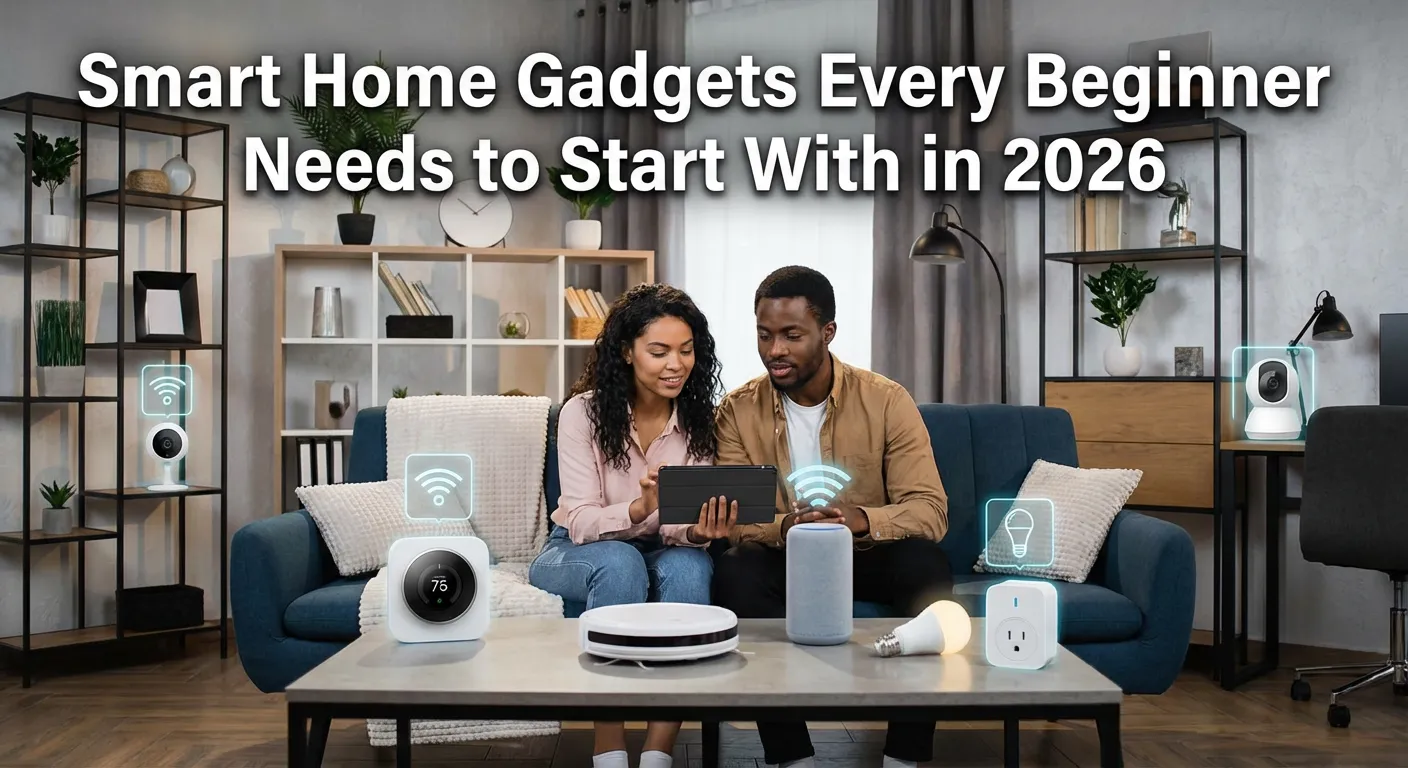
Starting your smart home journey can feel overwhelming, but the right smart home gadgets every beginner needs are actually simple, affordable, and easy to set up. Whether you want to control your lights with your voice, save on energy bills, or boost your home security, smart home gadgets make everyday life more convenient and efficient. The best part? You don’t need to be a tech expert to get started with smart home devices. This guide covers the essential smart home gadgets every beginner needs to build a connected, automated home from the ground up — the smart way.
What Is a Smart Home and Why Should Beginners Care?
A smart home is a living space equipped with internet-connected devices that can be controlled remotely or automated through voice commands, smartphone apps, or programmed schedules. These devices communicate over your home Wi-Fi network or smart home ecosystems like Amazon Alexa, Google Home, or Apple HomeKit.
For beginners, smart home technology offers real, practical benefits: lower electricity bills through smart energy management, better security through connected cameras and locks, and unmatched convenience by automating repetitive daily tasks.
The global smart home market is projected to surpass $330 billion by 2026, which tells you this is no longer a luxury — it’s becoming a household standard.
How to Choose the Right Smart Home Ecosystem
Before buying any smart home gadget, you need to pick an ecosystem that all your devices will connect to. The three main platforms are:
Amazon Alexa — Best for beginners due to its wide device compatibility and affordable Echo speaker lineup. Works with thousands of third-party devices.
Google Home — Ideal if you’re deep in the Android and Google services ecosystem. Excellent for routines and automation.
Apple HomeKit — Best for iPhone and iPad users who prioritize privacy and security. Fewer compatible devices but tightly integrated with iOS.
Matter Protocol — The newest universal smart home standard supported by all three platforms. Devices with Matter certification work across ecosystems, making it the safest choice for future-proofing your setup.
Smart Home Gadgets Every Beginner Needs: The Essential Starter Kit
1. Smart Speaker or Smart Display
A smart speaker is the control center of your smart home. It lets you use voice commands to control other devices, play music, set reminders, and get information hands-free.
Best picks for beginners:
- Amazon Echo Dot (5th Gen) — Compact, affordable, excellent Alexa integration
- Google Nest Mini — Perfect for Google Home users
- Amazon Echo Show 8 — Adds a screen for video calls and smart home dashboards
A smart display like the Echo Show goes one step further by giving you a visual interface to control your smart home without needing your phone.
2. Smart Bulbs and Smart Lighting
Smart LED bulbs are the easiest and most affordable entry point into home automation. You screw them in like regular bulbs, connect them to your Wi-Fi or smart hub, and instantly gain the ability to control brightness, color temperature, and schedules from anywhere.
Why beginners love smart lighting:
- No wiring required
- Immediate energy savings through scheduling and dimming
- Mood lighting and color scenes with color-changing bulbs
Top brands: Philips Hue, LIFX, Govee, Wyze Bulbs
Philips Hue remains the gold standard for smart lighting ecosystems, while Govee and Wyze offer budget-friendly alternatives that still perform well for beginners.
3. Smart Plug (Wi-Fi Outlet Adapter)
A smart plug is perhaps the simplest smart home gadget for beginners. It plugs into any standard outlet and instantly makes any appliance — a lamp, coffee maker, or fan — smart-controllable.
Key features to look for:
- Energy monitoring (tracks power usage)
- Scheduling and timer functions
- Voice assistant compatibility
Recommended options: Amazon Smart Plug, Kasa Smart Plug EP10, Wemo Mini Smart Plug
Smart plugs are especially valuable for beginners because they require zero installation and work with virtually any device already in your home.
4. Smart Thermostat
A smart thermostat is one of the highest-ROI smart home investments you can make. It learns your schedule, adjusts temperatures automatically, and can save homeowners up to 23% on heating and cooling costs annually according to energy studies.
Best smart thermostats for beginners:
- Google Nest Learning Thermostat — Auto-learning, sleek design, easy setup
- Ecobee SmartThermostat Premium — Includes room sensors, built-in Alexa
- Amazon Smart Thermostat — Most affordable option with solid performance
Most smart thermostats work with standard HVAC systems and take about 30 minutes to install.
5. Smart Security Camera
Home security is one of the top reasons people invest in smart home gadgets. A smart security camera lets you monitor your home in real-time from your smartphone, receive motion alerts, and even communicate through two-way audio.
Types of smart cameras for beginners:
| Type | Best For | Example |
|---|---|---|
| Indoor Camera | Baby monitor, pet watching | Wyze Cam v4 |
| Outdoor Camera | Driveway, yard monitoring | Ring Stick Up Cam |
| Video Doorbell | Front door security | Ring Video Doorbell 4 |
| Floodlight Camera | Wide area coverage | Arlo Pro 5S |
Ring and Arlo dominate the beginner-friendly smart security camera market due to their simple app interfaces and reliable cloud storage options.
6. Smart Lock
A smart lock replaces or augments your existing deadbolt, letting you lock and unlock your door via smartphone, keypad, or voice command. You can also grant temporary digital keys to guests without making physical copies.
Popular beginner-friendly smart locks:
- Schlage Encode Plus — Matter-compatible, no hub required
- August Wi-Fi Smart Lock — Installs over your existing deadbolt
- Yale Assure Lock 2 — Touchscreen keypad, multiple access options
Smart locks integrate seamlessly with video doorbells for a complete smart entry system.
7. Smart Home Hub (Optional but Useful)
If you plan to expand your smart home beyond basic Wi-Fi devices into Zigbee or Z-Wave devices, a smart home hub becomes essential. It acts as a bridge between different wireless protocols.
Best smart home hubs:
- Amazon Echo (4th Gen) — Built-in Zigbee hub
- Samsung SmartThings Hub — Works with Zigbee, Z-Wave, and Matter
- Apple HomePod (2nd Gen) — HomeKit hub for Apple users
For most beginners sticking to Wi-Fi devices, a dedicated hub isn’t immediately necessary.
8. Smart Smoke and CO Detector
Smart smoke and carbon monoxide detectors send real-time alerts to your phone even when you’re not home, something traditional detectors simply can’t do.
Top pick: Google Nest Protect — Detects both smoke and CO, sends smartphone alerts, and even announces which room has the danger. It also has a built-in night light and tests itself automatically.
9. Smart Robot Vacuum
A robot vacuum is one of the most satisfying smart home gadgets for beginners because the automation is immediately visible and time-saving. Modern smart robot vacuums map your home, avoid obstacles, and can be scheduled to clean while you’re at work.
Beginner-recommended models:
iRobot Roomba j7+ — Auto-empties its dustbin, obstacle avoidance
Roborock Q5 Pro — Exceptional mapping, long battery life, great value
Eufy RoboVac 11S — Budget-friendly, quiet, reliable for simple layouts
10. Smart Wi-Fi Router or Mesh System
All smart home gadgets depend on a reliable, strong Wi-Fi network. A standard single router often creates dead zones in larger homes, causing smart devices to disconnect or respond slowly.
A mesh Wi-Fi system solves this with multiple nodes that blanket your entire home in strong, consistent Wi-Fi coverage.
Best mesh Wi-Fi systems for smart homes:
- Eero 6+ — Amazon ecosystem integration, simple app
- Google Nest WiFi Pro — Wi-Fi 6E, built-in Google Home hub
- TP-Link Deco XE75 — Excellent range, budget-friendly
Smart Home Gadgets Comparison: Beginner vs Advanced
| Gadget | Beginner Level | Advanced Alternative |
|---|---|---|
| Smart Bulb | Wyze Color Bulb | Philips Hue Gradient Strip |
| Security Camera | Wyze Cam v4 | Arlo Ultra 2 |
| Smart Lock | August Wi-Fi Smart Lock | Schlage Encode Plus with HomeKey |
| Thermostat | Amazon Smart Thermostat | Ecobee SmartThermostat Premium |
| Robot Vacuum | Eufy RoboVac 11S | iRobot Roomba j9+ Combo |
| Smart Speaker | Amazon Echo Dot | Amazon Echo Show 15 |
How to Set Up Your First Smart Home: Step-by-Step
Setting up a smart home for the first time doesn’t have to be complicated. Follow this simple process:
Step 1: Choose your ecosystem — Pick Alexa, Google Home, or Apple HomeKit based on your existing devices.
Step 2: Start with smart bulbs or a smart plug — These are zero-risk, easy to set up, and give you an immediate taste of home automation.
Step 3: Add a smart speaker — This becomes your voice control hub for all other devices.
Step 4: Install a smart thermostat — The energy savings often pay for the device within one heating/cooling season.
Step 5: Secure your home — Add a video doorbell or outdoor camera next.
Step 6: Expand gradually — Add smart locks, sensors, and automation routines over time.
Smart Home Automation: Tips for Beginners
Making the most of smart home technology goes beyond just buying gadgets. Automation routines unlock the real power of a connected home.
Useful automations for beginners:
- “Good Morning” routine — Turns on lights, starts coffee maker, adjusts thermostat at a set time
- “Away Mode” — Turns off all lights, locks the door, and arms the security camera when you leave
- “Bedtime” routine — Dims all lights, locks doors, and sets thermostat to sleep temperature
- Motion-triggered lighting — Lights turn on automatically in hallways or bathrooms
These routines are set up through your smart home app and require no coding or technical knowledge.
Pros and Cons of Smart Home Gadgets for Beginners
Pros:
- Significant energy savings through scheduling and automation
- Enhanced home security with remote monitoring
- Convenience and time savings through voice control and automation
- Increasing home resale value
- Accessible to non-technical users with modern app interfaces
Cons:
- Upfront costs can add up when outfitting an entire home
- Dependence on internet connectivity — devices may not work during outages
- Privacy concerns with always-on microphones and cameras
- Some devices require a hub or specific ecosystem to work properly
- Compatibility issues between brands can occasionally arise
Beginner’s Buying Guide: What to Look for in Smart Home Gadgets
Ease of setup: Look for devices that are labeled “Works with Alexa,” “Works with Google Home,” or carry the Matter logo. These require the least setup effort.
App quality: A well-designed companion app makes or breaks the user experience. Read reviews specifically about the app before buying.
Voice assistant compatibility: Ensure your chosen devices work with your preferred voice assistant.
Security and privacy: Check whether the manufacturer offers end-to-end encryption and has a clear privacy policy, especially for cameras and microphones.
Warranty and support: Established brands like Google, Amazon, Ring, Philips, and Schlage offer better long-term support and firmware updates.
Price vs. features: For beginners, mid-range products (not the cheapest, not the most expensive) offer the best balance of reliability and features.
FAQ
What are the best smart home gadgets for beginners in 2026?
The best smart home gadgets for beginners include a smart speaker like the Amazon Echo Dot, smart bulbs from Philips Hue or Wyze, a smart plug, a smart thermostat like the Google Nest, and a video doorbell like the Ring Video Doorbell. These offer the easiest setup and the most immediate value.
Do smart home gadgets require a hub?
Most modern smart home gadgets connect directly over Wi-Fi and don’t require a separate hub. However, if you use Zigbee or Z-Wave devices, a hub like the Amazon Echo (4th Gen) or Samsung SmartThings is needed. Matter-certified devices work across all major ecosystems without a hub.
Are smart home devices safe from hacking?
Smart home devices can be vulnerable if not properly secured. To stay safe, always use strong, unique passwords, enable two-factor authentication on your smart home accounts, and keep device firmware updated. Choose brands with a strong track record of security patches and privacy policies.
What is the cheapest way to start a smart home?
The cheapest way to start a smart home is with a smart plug (around $10–$15) and a budget smart speaker like the Amazon Echo Dot. This lets you automate any existing appliance and control it by voice without spending much upfront.
Can smart home gadgets save money on electricity?
Yes. Smart thermostats alone can save 10–23% on heating and cooling costs. Smart bulbs consume 75% less energy than traditional incandescent bulbs. Smart plugs help eliminate vampire power by scheduling devices to turn off automatically.
Which smart home ecosystem is best for beginners?
Amazon Alexa is generally considered the best smart home ecosystem for beginners due to its massive device compatibility, affordable Echo speakers, and intuitive app. Google Home is a close second, especially for Android users.
Do I need fast internet for smart home devices?
Smart home devices don’t require extremely fast internet speeds, but a reliable, stable connection is essential. A mesh Wi-Fi system is recommended for homes over 1,500 square feet to ensure all devices maintain a strong connection.
Conclusion
Building a smart home in 2026 is more accessible than ever. The smart home gadgets every beginner needs aren’t complicated or expensive — they’re practical tools that add real value to your daily life. Start small with a smart speaker, a few smart bulbs, and a smart plug. From there, add a thermostat, security camera, and smart lock as your confidence and budget grow. Choose devices that work within a single ecosystem, prioritize Matter-compatible products for future flexibility, and automate your routines to truly experience what a connected home can do. The smartest move is simply to start.